Laptop Repair Tauranga – Expert Screen, Battery & Keyboard Fixes
Cracked screen, dead battery or faulty keyboard? Care2Phone Tauranga services all major laptop brands — trusted local laptop repair with transparent pricing and no appointment needed.
Laptop repair Tauranga is available at Care2Phone's two local stores — 1/43 Devonport Road (CBD) and 142 Chadwick Road (Greerton). Our technicians repair screens, batteries, keyboards and more for all major brands including MacBook, Dell, HP and Lenovo. Walk-ins welcome. Free quote before any work begins. Call 021-0822-0822 to confirm parts for your model.
- What laptop repair in Tauranga involves
- How does laptop screen repair work?
- When does a laptop battery need replacing?
- Can a damaged laptop keyboard be repaired?
- What other laptop repairs are available?
- Which laptop brands does Care2Phone repair?
- Is laptop repair worth it or should you replace it?
- Where is laptop repair near me in Tauranga?
- Care2Phone's two Tauranga locations
- Frequently asked questions
Laptop repair Tauranga — when your screen cracks, your battery dies or your keyboard stops working, Care2Phone is Tauranga's trusted local option for all major laptop brands. We provide a free diagnostic assessment and a clear written quote before any work begins — no surprises, no hidden fees.
At Care2Phone, laptop repair Tauranga is carried out by experienced technicians at both our Devonport Road CBD store and our Greerton branch on Chadwick Road. Whether you need a cracked MacBook screen replaced, a Dell battery that won't hold charge fixed, an HP keyboard with dead keys repaired, or a Lenovo that won't power on diagnosed — our team assesses and repairs a wide range of laptop faults across all major brands.
This guide answers the most common questions about laptop repair in Tauranga, covers every major repair type, and helps you decide whether repairing your laptop is the right financial decision for your situation.
1How Does Laptop Screen Repair Work in Tauranga?
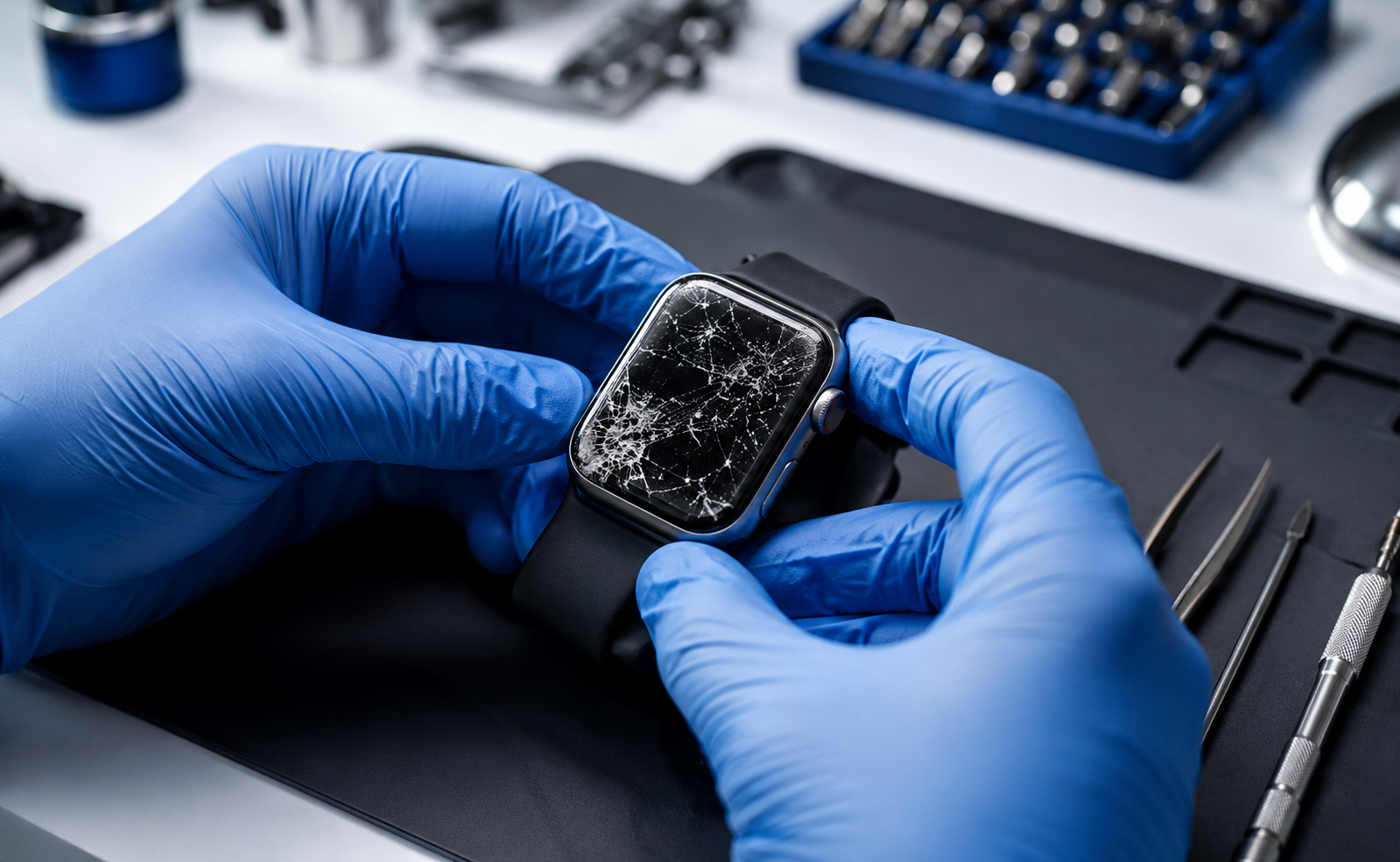
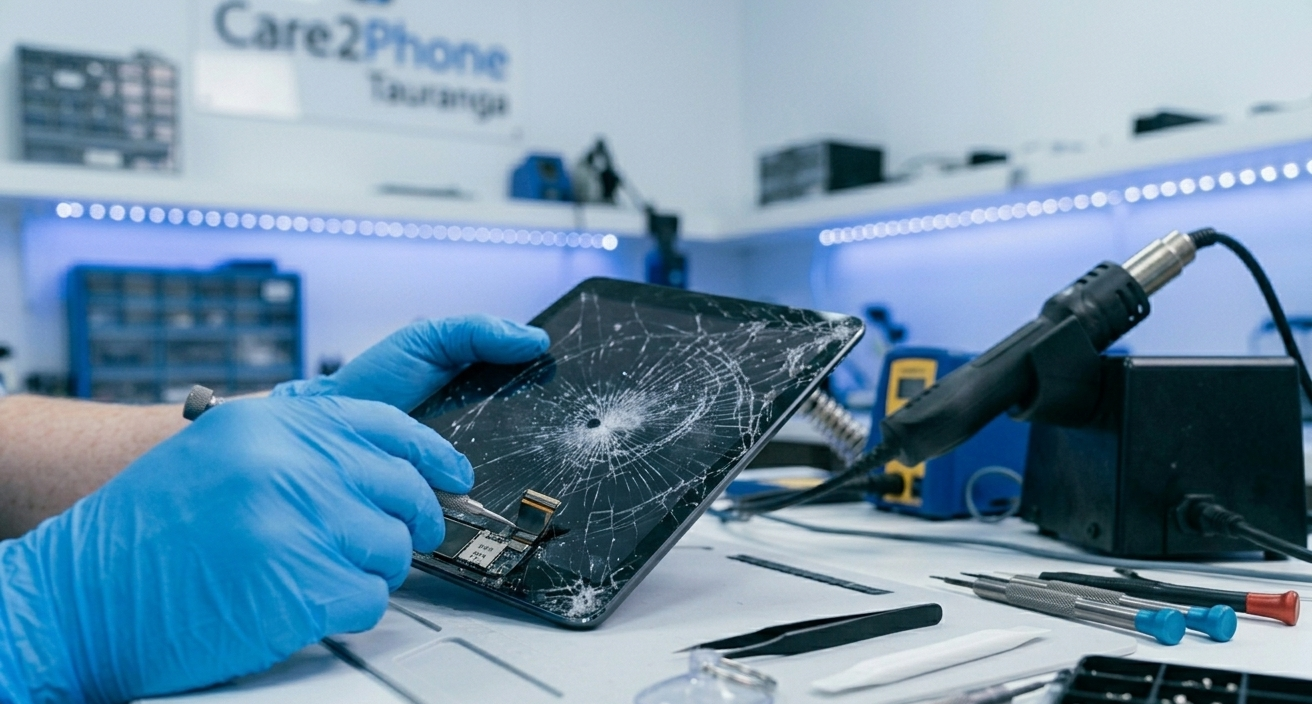
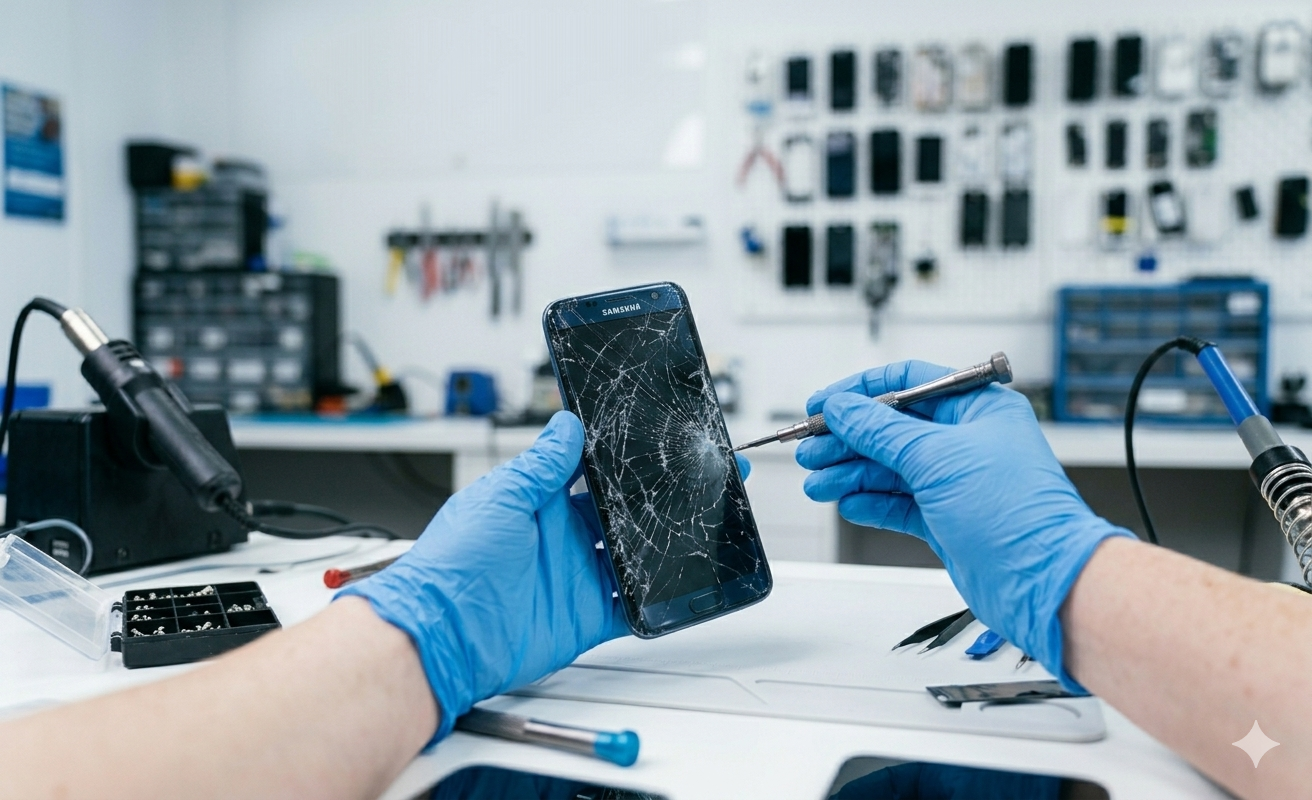
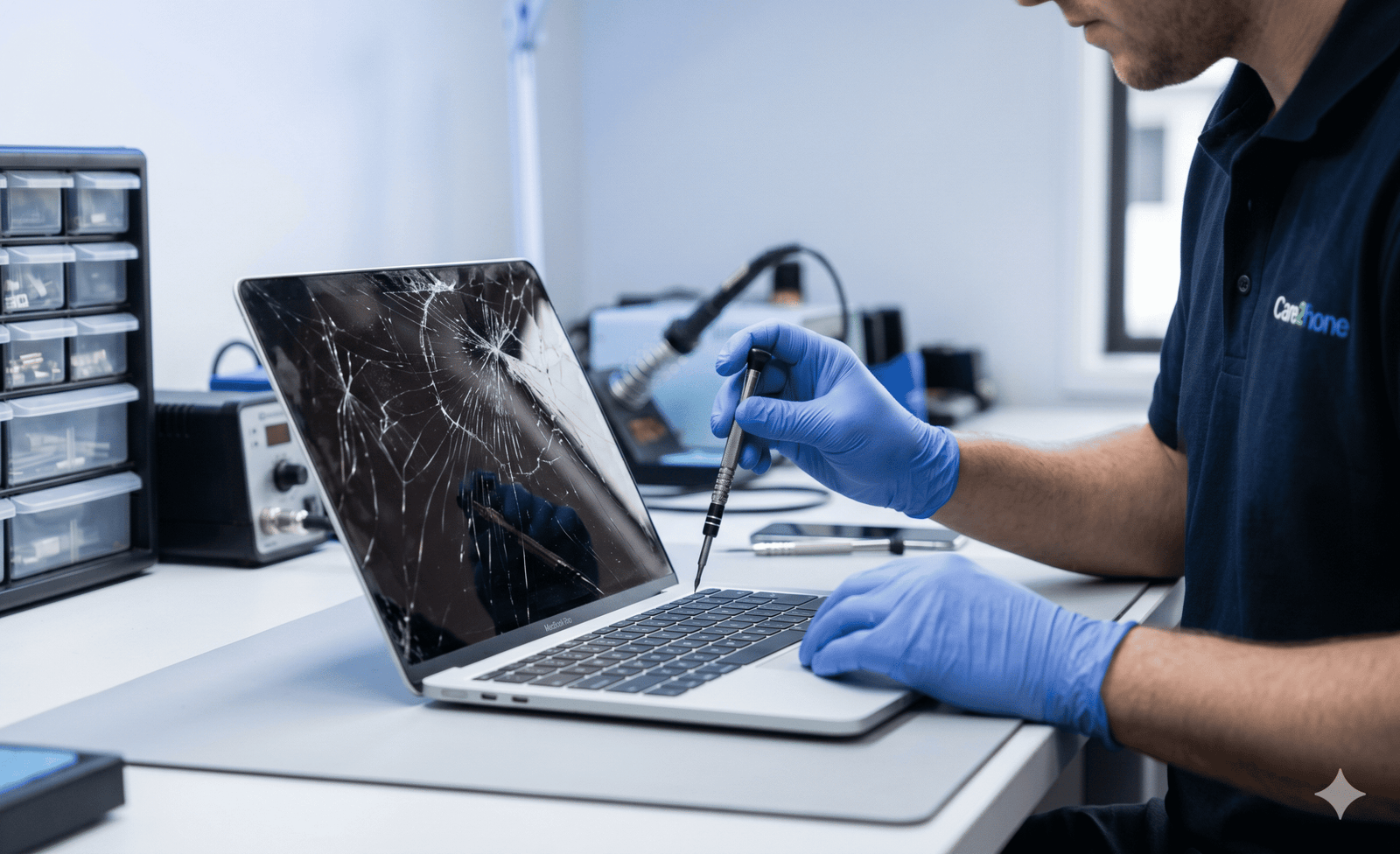
Laptop screen repair Tauranga is one of the most common requests our Care2Phone team receives. A cracked, flickering, or completely dead laptop screen can range from a straightforward panel replacement to a more complex diagnostic job — and the process begins with a free assessment to determine the actual cause before any work is quoted or carried out.
Common laptop screen issues at Care2Phone Tauranga
- Cracked or broken screen — Physical impact damage causing visible cracks or a completely shattered display panel
- Black screen with backlight — Laptop turns on but screen stays dark, indicating a display cable, panel or GPU fault
- Vertical or horizontal lines — Usually caused by a loose video cable connection or panel damage from impact
- Flickering or flashing display — May indicate a display driver issue, a failing panel, or a loose internal cable connection
- Half screen dark or discoloured — Panel or backlight failure affecting part of the display area
- Screen dim or backlight failing — Backlight or inverter failure, more common on older laptop models
Laptop screen damage types — what to expect
| Screen Issue | Likely Cause | Typical Action |
|---|---|---|
| Cracked or shattered screen | Physical impact damage to panel | Screen panel replacement |
| Flickering display | Loose cable or failing panel | Cable check first |
| Lines across screen | Video cable or panel fault | Assessment required |
| Black screen (laptop powers on) | Panel, cable or GPU fault | Full diagnostic required |
| Dim backlight | Backlight or inverter failure | Backlight or panel repair |
2When Does a Laptop Battery Need Replacing in Tauranga?
Laptop battery replacement Tauranga is the second most common repair our Care2Phone team carries out. Most laptop batteries are rated for approximately 500–1,000 charge cycles, which typically equates to 2–4 years of regular daily use before noticeable performance degradation begins.
- Laptop lasts only 1–2 hours when it previously lasted 6–8 hours on a full charge
- Battery percentage drops rapidly or jumps erratically during use
- Laptop shuts off unexpectedly even with battery charge showing on screen
- Operating system shows a warning such as "Consider replacing your battery" or "Service Recommended"
- Laptop only works when plugged into mains power — dies immediately when unplugged
- Laptop base or battery compartment feels unusually warm during normal use
3Can a Damaged Laptop Keyboard Be Repaired in Tauranga?
Yes — laptop keyboard repair Tauranga is a common service at Care2Phone. Keyboard faults range from individual dead keys caused by debris or worn mechanisms, to full keyboard failure following a liquid spill. The repair approach depends on the specific fault and the laptop brand and model.
- Single keys not working — Often caused by debris under keycaps, a worn key mechanism, or a membrane fault beneath the affected key
- Multiple keys not responding — May indicate a keyboard ribbon cable fault, a liquid spill residue issue, or a motherboard-level connection fault
- Keys sticking or repeating — Debris ingress, liquid spill residue under keycaps, or worn keycap mechanisms
- Entire keyboard not responding — Could be a software driver issue, keyboard connector fault, or BIOS-level issue — diagnostic required before quoting
- Trackpad not clicking or tracking — May be a macOS/Windows settings issue, hardware fault, or a trackpad cable connection issue
- Liquid spill on keyboard — Requires prompt assessment to prevent further damage spreading to underlying motherboard components
4What Other Laptop Repairs Are Available at Care2Phone Tauranga?
Beyond screens, batteries and keyboards, our laptop repair Tauranga team carries out a full range of additional laptop faults and upgrades. Here is a complete overview of the additional services our Care2Phone technicians provide:
- Laptop charging port repair — Intermittent charging, a cable that requires wiggling, or a port that doesn't charge at all. We assess and repair USB-C, USB-A and barrel-jack ports across all major brands.
- Laptop won't turn on — diagnostic assessment — Could be a battery issue, charging port fault, power button fault, or in complex cases a motherboard fault. We assess the cause before providing a written quote — no guesswork.
- Laptop running very slowly — Often caused by a near-full hard drive, insufficient RAM, background malware, or an ageing mechanical hard drive. We diagnose the root cause and advise on the most cost-effective fix.
- Hard drive to SSD upgrade — Upgrading from a mechanical HDD to an SSD is one of the most impactful performance improvements for older laptops. Faster boot times, improved application speed, and better reliability. We handle data migration as part of the upgrade.
- RAM upgrade — Adding or upgrading RAM can significantly improve performance on laptops that feel sluggish during multitasking. We assess compatibility and carry out RAM upgrades where the model supports it.
- Laptop overheating and thermal paste — Dust-blocked vents and degraded thermal paste cause laptops to overheat, throttle performance and shut down unexpectedly. We carry out fan cleaning and thermal paste reapplication to restore normal operating temperatures.
- Liquid damage assessment — Full internal assessment of liquid-exposed laptops. We advise on realistic repair outcomes before any paid work begins — honest assessment only.
- Operating system reinstall — Persistent crashes, virus/malware infections, or a corrupted OS can often be resolved with a clean reinstall of Windows or macOS. We back up accessible data before proceeding where possible.
5Which Laptop Brands Does Care2Phone Repair in Tauranga?
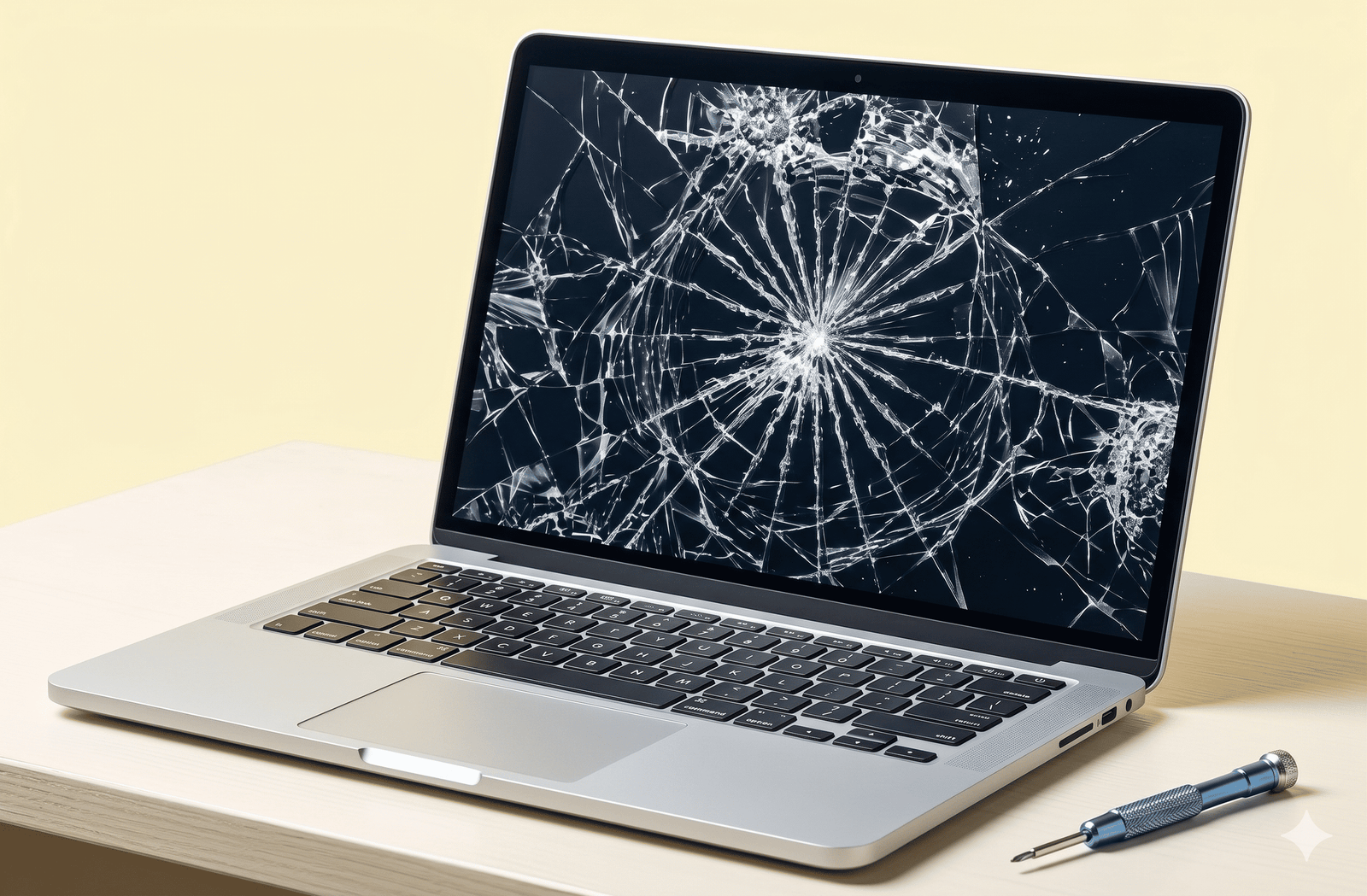
Our laptop repair Tauranga team services all major laptop brands. From Apple MacBooks to Windows laptops from Dell, HP, Lenovo, Asus and Acer — Care2Phone technicians assess and repair a wide range of makes and models at both our Tauranga locations.
6Is Laptop Repair Worth It — or Should You Replace It?
This is the question our Care2Phone laptop repair Tauranga team is asked most often. The answer depends on the age of your laptop, the nature of the fault, the cost of repair relative to the device's current value, and whether the device still meets your needs after repair.
✓ Repair likely makes sense when…
- Laptop is under 5 years old
- Fault is screen, battery or keyboard only
- Repair cost is under 50% of replacement value
- Important data or files are on the device
- It's a premium model (MacBook, Dell XPS, ThinkPad)
- SSD upgrade would extend useful life significantly
✗ Consider replacing when…
- Laptop is 6+ years old with multiple faults
- Motherboard or logic board damage confirmed
- Repair cost approaches full replacement value
- Severe liquid damage across multiple components
- Performance too slow even after upgrades
📋 The Laptop Repair Process at Care2Phone Tauranga — Step by Step
- Walk in to either Care2Phone Tauranga branch — no appointment needed for an initial assessment
- Describe the issue to our technician — they carry out a free visual and functional diagnostic check
- Receive a clear written quote — exact cost confirmed, no hidden fees, no surprises
- Approve the repair — work only begins with your explicit written or verbal agreement
- We contact you when the repair is complete or if anything changes during the repair process
- Collect your fully tested laptop — all functions checked before we hand it back to you
7Where Is Laptop Repair Near Me in Tauranga?
When Tauranga locals search for laptop repair near me, laptop repair Tauranga, or computer repair Tauranga, Care2Phone is a trusted local option with two conveniently located branches across the city. Our laptop repair Tauranga service is accessible from all areas of the wider Tauranga region and Bay of Plenty.
📍 Areas We Serve for Laptop Repair in Tauranga
- Tauranga CBD
- Greerton
- Mount Maunganui
- Papamoa
- Bethlehem
- Otumoetai
- Te Puke
- Pyes Pa
- Hairini
- Judea
- Welcome Bay
- Bay of Plenty region
Why Tauranga Chooses Care2Phone for Laptop Repair
- Free diagnostic assessment — We identify the fault and give you a written quote before any paid work
- All major brands serviced — MacBook, Dell, HP, Lenovo, Asus, Acer, Surface and more
- Transparent written quotes — No hidden fees, no surprises, no work without approval
- Two convenient Tauranga locations — Devonport Road CBD and Greerton Chadwick Road
- Afterpay & Zip accepted — Spread your laptop repair cost interest-free
- Honest expert advice — We tell you if repair isn't the right financial decision
- Local Tauranga business — Community-trusted, serving Tauranga and Bay of Plenty
Laptop Repair Tauranga – Our Two Locations
Care2Phone has two convenient Tauranga stores for laptop repair near me. No appointment needed — walk-ins are welcome at both branches every day. Our technicians serve customers from Tauranga CBD, Greerton, Mount Maunganui, Papamoa, Bethlehem, Te Puke, Otumoetai and the wider Bay of Plenty region.
Why Tauranga Trusts Care2Phone for Laptop Repair
When locals search for laptop repair Tauranga or laptop repair near me, Care2Phone is the trusted local answer — with honest diagnostic assessments, transparent written quotes, no work without approval, and Afterpay available across both our Tauranga branches on Devonport Road and Chadwick Road.
Tauranga 3110
Greerton, Tauranga 3112
Frequently Asked Questions — Laptop Repair Tauranga
Laptop Repair Tauranga — Get Your Free Quote Today
Walk in to either Care2Phone branch — no appointment needed. Free diagnostic assessment and written quote before any work begins. Expert laptop repair Tauranga for all major brands.